
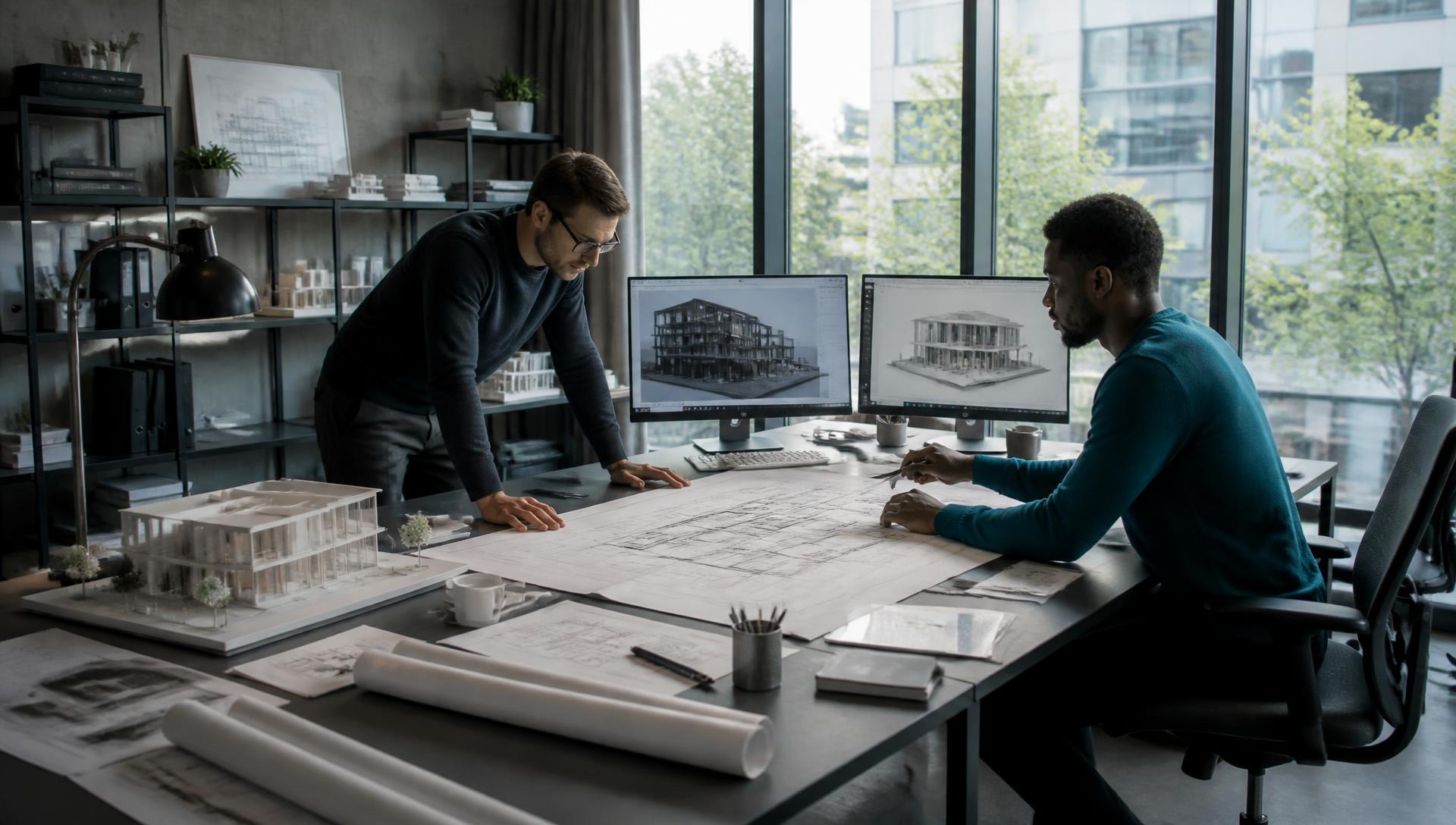
The Technology Partner Built For Architectural Design
Someone should own your technology. It should not be you.
In most studios technology belongs to whoever has a spare hour — a principal, an office manager, the designer who is good with computers. We take it off them. One team owns your workstations, files, network and licences, plans what comes next, and answers when something breaks.
Someone To Own Your Technology
Most studios do not want to manage IT. They want someone who already knows how a design firm works to think about it ahead of them and keep it working.
The problem
Nobody in the studio owns the technology. It falls to a principal, an office manager, or the one designer who is good with computers — none of whom have time for it. Workstation refreshes, storage running out, licences renewing without warning: none of it is planned. So technology only gets attention when it breaks, and it breaks on deadline.
Our solution
We take ownership of it. A named team that knows architecture practice looks after your workstations, files, network and licences, plans the replacements before they become emergencies, and answers the phone when something goes wrong. Your people design; we think about the technology behind them.
Someone Accountable
A named team that knows your studio, your projects and your stack — not a new voice on every ticket.
Planned, Not Reactive
Workstation refreshes, storage headroom and renewals mapped ahead of time so they never land on a deadline week.
Fixed Fast
When a model will not open or a sync fails, it goes to people who understand what the file is for.
Design IP Protected
Detail libraries, families and past drawing sets backed up, monitored and recoverable.
What Actually Slows
Architecture Teams Down
Billable designers doing unbillable admin
Transmittals, submittal packages, meeting minutes, and fee proposals land on the people you hired to design. It is the first cost nobody puts on a schedule.
The model slows down and the day goes with it
Undersized GPUs, saturated storage, and worksharing over a stretched network turn a five-minute task into an afternoon of waiting.
Staff already pasting project data into public AI
Someone is drafting a proposal in a free chatbot right now. Without a sanctioned tool and a rule, your client and design data is leaving the firm quietly.
Decades of design IP on one fragile server
Detail libraries, families, and past drawing sets are the firm's real asset — and usually the least protected thing in the building.
Every one of these is hours your people spend on work that does not need a person.
Where AI Actually Helps In Architecture
Not experiments. These are the four places we put AI to work first in architecture organizations — on the paperwork, lookups, and drafting that eat your team's day.
Submittals, RFIs, And Transmittals
Draft the cover letters, logs, and responses from the project record so a coordinator reviews instead of composes.
Meeting Notes To Action Items
Turn OAC and internal meeting recordings into decisions, owners, and dates that land in your project tools.
Spec And Program Review
Compare specs, programs, and consultant markups against your standards and surface what conflicts before it reaches drawings.
Fee Proposals By Phase
Build phase-based fee proposals from your own historical projects instead of from the last one someone remembers.
Where we draw the line
AI will not design your building or stamp your drawings. It removes the writing, logging, and looking-things-up around the design work.
What We Do For Architecture Teams
Governed AI For The Studio
One approved AI setup, your data staying inside it, and a written rule your team can actually follow.
Admin Automation
Automate submittal packaging, file naming, and transmittal logs so billable hours stay billable.
Design Workstation Management
Spec, deploy, and monitor GPU workstations sized to your real Revit, Rhino, and Enscape workloads.
BIM-Ready Storage
High-throughput file services and central model hosting with versioning your project teams can trust.
Multi-Studio Collaboration
Cloud worksharing, ACC/BIM 360 support, and network design so every office works off the same model.
Design IP Protection
Layered protection around drawing sets, families, and standards — plus tested recovery, not just backups.
What Changes For You
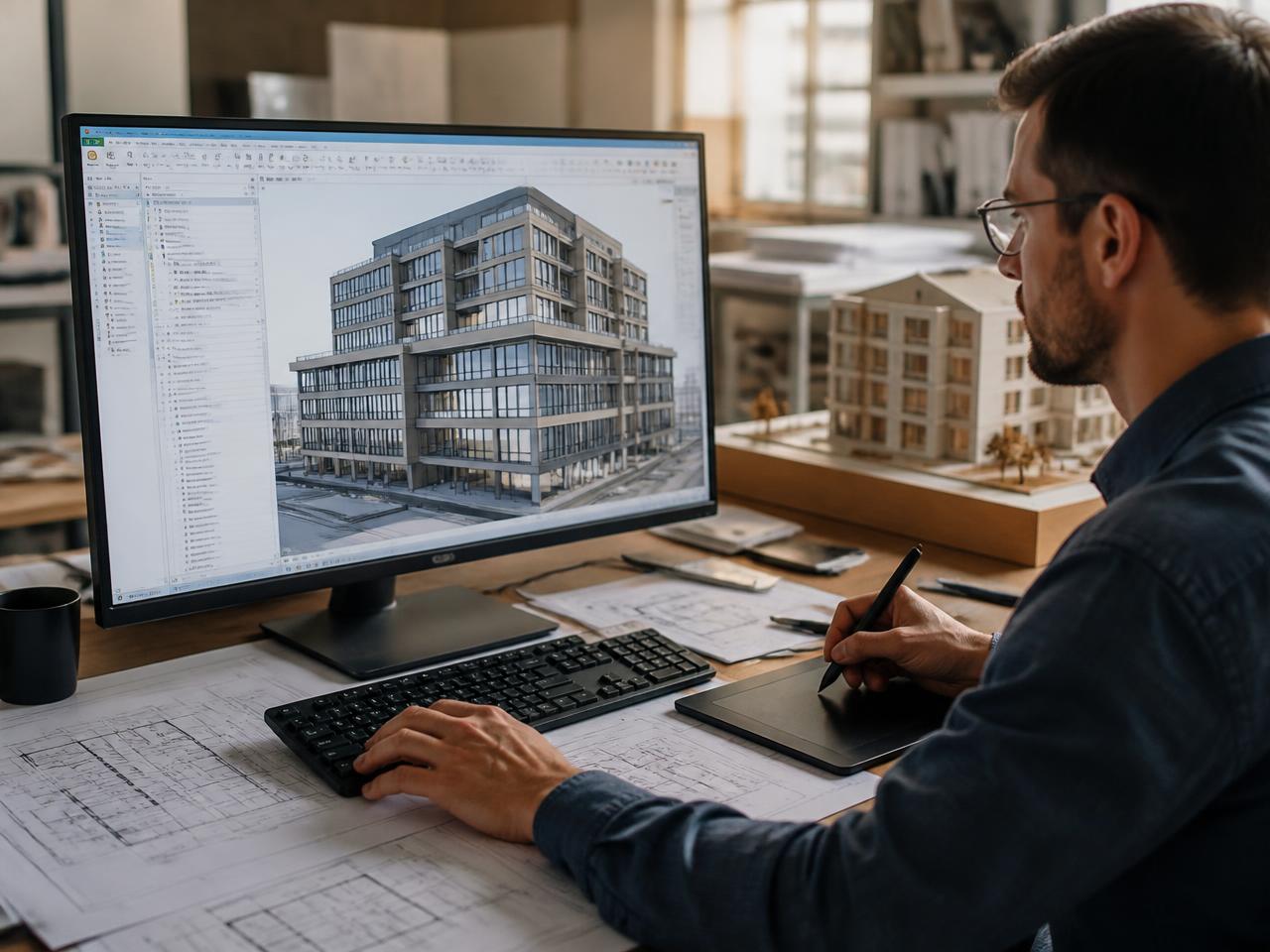
- Submittals, minutes, and proposals drafted for review instead of written from scratch
- Model opens and renders that match the hardware you paid for
- One approved AI tool your data does not leak out of
- Standards and family libraries protected and provably recoverable
Tools We Support, By Design
We work in the platforms your architecture teams already depend on — and we support the rest of your stack too.
Since partnering with IT Co., we've seen a noticeable improvement in our IT infrastructure's reliability and efficiency. We've experienced fewer downtimes, and their proactive maintenance has saved us from potential issues down the line. They have truly become an integral part of our team.
Amber Holt, Operations Leader — Magnum Venus Products
Get The Admin Work Off Your Designers.
Tell us where the models stall and where the paperwork piles up. We'll show you what we'd fix first, and which of it AI can carry.